Binaural beats for studying on iPhone
Binaural beats are a perceived rhythm created by playing slightly different tones to each ear through stereo headphones. This guide explains the evidence and how to try them on iPhone as optional background audio. A benefit for exam performance is not established here.
I develop Vitae, which is mentioned in this guide.
In this guide
What the perceived beat means
For example, tones at 200 Hz and 210 Hz, presented separately to the two ears, can produce a perceived beat at their 10 Hz difference. This is an illustration of the auditory effect, not a recommended setting or evidence that your brain will adopt a particular state. Stereo separation matters for that effect; ordinary background sounds do not require it.
What the research establishes
A 2023 systematic review in PLOS ONE found inconsistent results on brainwave entrainment and substantial differences between study methods. Brainwave measurements are not the same as exam performance. This source does not justify a promise of better grades, a treatment claim or a universally effective frequency.
Try a session without confusing comfort and learning
Illustrative routine: choose ten practice questions, work for 25 minutes with quiet audio, then check answers and note errors. On another comparable session, try silence. Your preference can help you choose a comfortable environment; two sessions are not a controlled experiment and cannot establish a scientific effect. Stop listening if it feels unpleasant.
Using it on iPhone with Vitae
Vitae offers optional binaural audio with the one-time Premium unlock. Its planner, Exam Mode, Pomodoro and three ambient sounds are free. You can plan and complete sessions without binaural audio. Keep playback comfortable and use stereo headphones if you choose that layer.
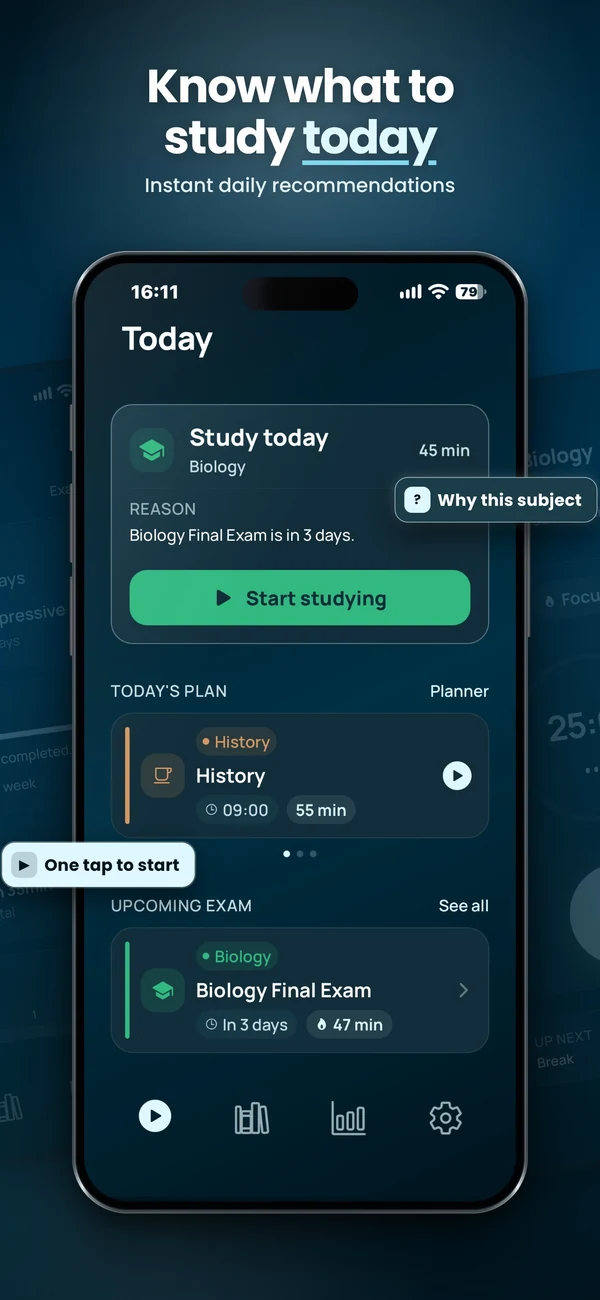
Plan and run a study session
Vitae brings subjects, exams, weekly planning and timed sessions together on iPhone. Core planning features are free, with an optional one-time Premium unlock.
Explore VitaeFrequently asked questions
Are binaural beats proven to improve exam results?
No guaranteed exam benefit is established here. The cited review concerns brainwave entrainment and reports inconsistent evidence.
Do I need headphones?
Stereo headphones provide the separate signal to each ear needed for the conventional binaural effect. They are not required for ordinary ambient sounds.
Is binaural audio free in Vitae?
It is part of the optional one-time Premium unlock. Planning, Exam Mode, Pomodoro and three ambient sounds remain free.