How to choose a recipe app for ingredients you have
A recipe app that starts with ingredients you already have can make dinner decisions easier. Compare how it handles missing ingredients, recipe instructions and your own saved meals before relying on its suggestions.
I develop MealIdeas, which is mentioned in this guide.
In this guide
Check how ingredient matching works
A useful recipe finder should distinguish ingredients you have from ingredients a recipe still needs. Check whether it treats optional ingredients differently from required ones, and whether you can keep common staples in a separate list. A match is a starting point: read the full ingredient list and instructions before deciding to cook it.
Look for a clear next step, not just a list of matches
When a recipe is close but not complete, the app should make the gap easy to understand. Decide whether you want to buy one or two missing items, choose another recipe or add a personal variation. If your household has allergies or dietary restrictions, check every ingredient and label yourself; a recipe match is not an allergy-safety check.
See how it supports cooking over time
For repeat use, look for a way to save favourites, add personal recipes and find meals you have cooked before. A step-by-step cooking view can reduce switching between a recipe and other apps. If you prefer not to create an account, check where the app stores your ingredients, recipes and history, and whether those records sync between devices.
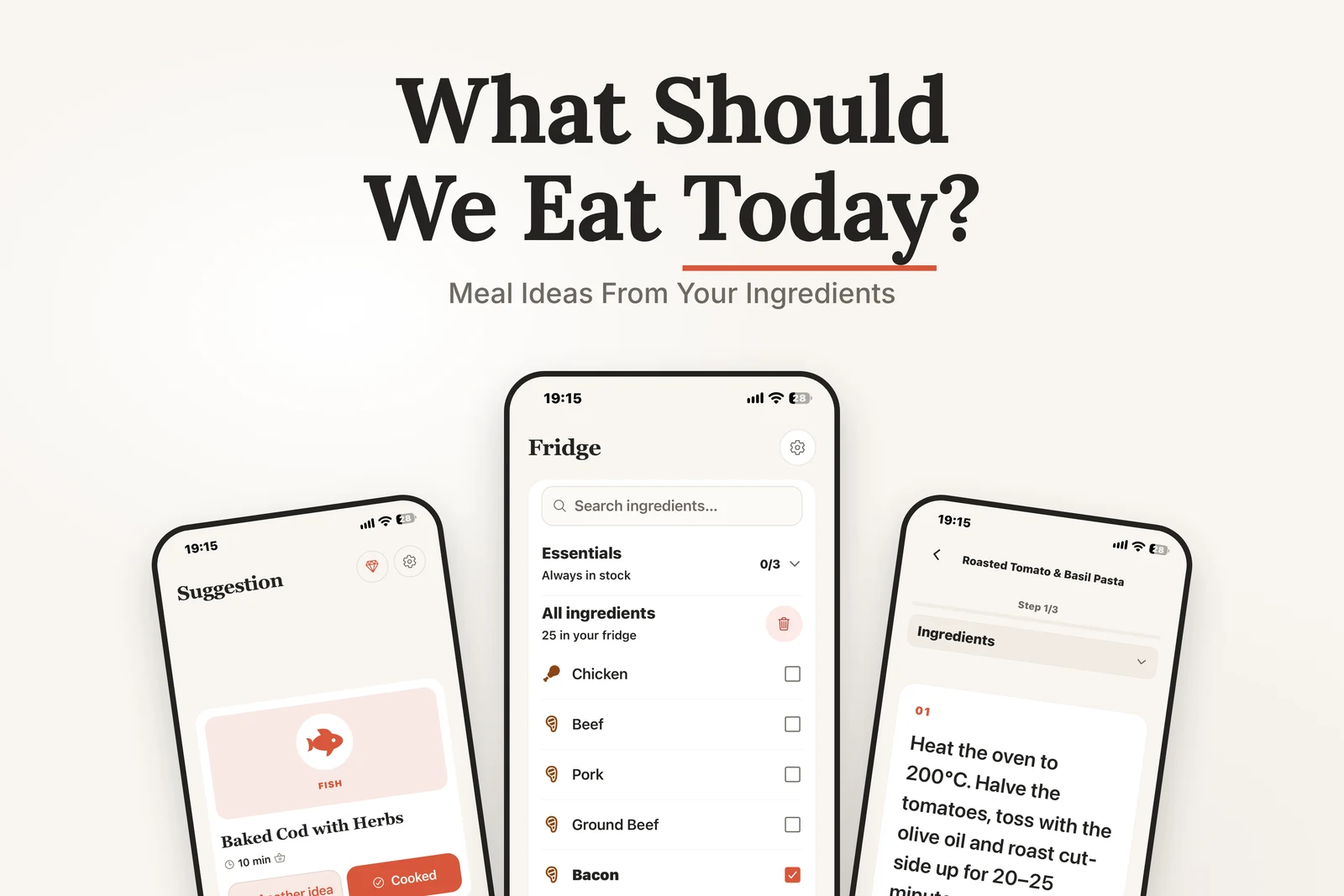
Compare recipes against your fridge list
MealIdeas lets you select ingredients, review recipe matches and see what is available or missing. You can save favourites, add personal recipes and record meals on your device. It does not replace checking the full recipe for allergies, dietary needs or food safety.
A quick checklist for a recipe finder
- Can you see which ingredients are required and which are optional?
- Can you save a favourite or add your own recipe?
- Can you inspect the full ingredients and instructions before cooking?
- Does the storage and account setup fit how you want to use the app?
For food safety, follow current storage and cooking guidance rather than relying on an app’s ingredient list. For a manual method, see how to build a recipe from ingredients you have.
Frequently asked questions
Can a recipe app guarantee a recipe is safe for my allergy?
No. Review the complete ingredient list and product labels yourself, and follow advice from your qualified healthcare professional. A matching tool is not an allergy-safety system.
What does a recipe match tell me?
It shows how selected ingredients compare with a recipe’s ingredient list. Check what is missing and read the full recipe before deciding whether it suits your kitchen.
Should a recipe app need an account?
Not necessarily. Check whether recipes, favourites and cooking history stay on your device or sync to an account, then choose the setup that fits your needs.